Fortune teller
How to fold an origami fortune teller
- Paper
- One square sheet of paper.
- Preparation
- No cutting or gluing is included in these folding steps. Begin with “Mark the center between the left and right edges”.
- What you will make
- A fortune teller with four opened finger pockets.
Make a fortune teller by folding all four corners to the center, turning the paper over, and repeating on the back. Fold and unfold in both directions, then open the four finger pockets. Do not skip the turn-over step: it changes which corners you fold next.
Follow the 14 steps above by scrolling. Drag the model to inspect a fold from another angle, and scroll back to review a previous step.
Read all 14 folding steps
- Mark the center between the left and right edges
- Mark the center between the top and bottom edges
- Fold the top right corner to the center
- Fold the top left corner to the center
- Fold the bottom left corner to the center
- Fold the bottom right corner to the center
- Turn the paper over
- Fold the back right corner to the center
- Fold the back top corner to the center
- Fold the back left corner to the center
- Fold the back bottom corner to the center
- Fold in half vertically and unfold
- Fold in half horizontally and unfold
- Open the four finger pockets
Tricky points and what to check
Which side is used for the second set of corners?
Steps to review: 3・4・5・6・7・8・9・10・11
Turn the whole model over after the first four corners reach the center. Review the sequence that folds all four corners on the opposite side to the center.
The model stays flat before opening the pockets
Steps to review: 12・13・14
Check the folds in both directions, unfolding after each. Then compare the illustrations as the four finger pockets open into a three-dimensional shape.
Step 14:Open the four finger pockets
Three views from the same 3D folding sequence. Read from top to bottom.
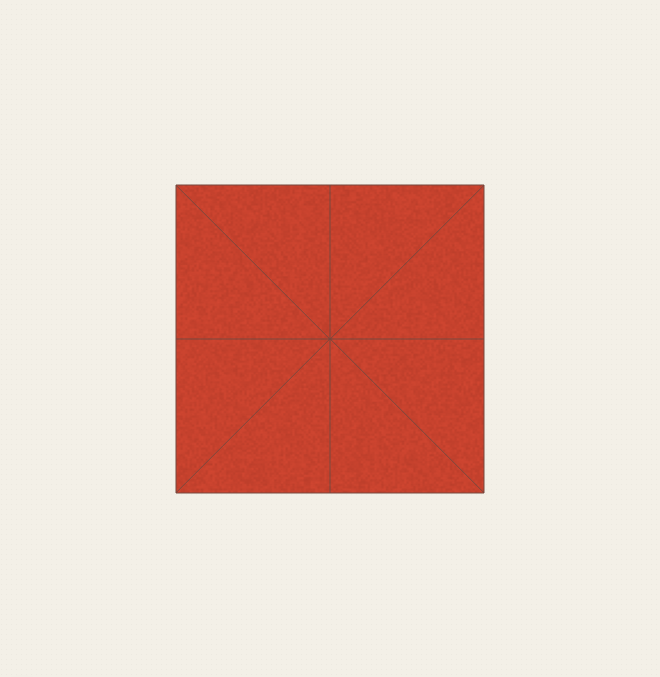


Make a fortune teller by folding all four corners to the center, turning the paper over, and repeating on the back.

Completed model · Loading 3D…
Drag to rotate · Right-drag up/down to zoomSwipe to rotate · Pinch to zoom